Golf Scorecard Scanner: One Photo of the Paper Card, Every Hole Read
AGI Golf reads a photo of your paper scorecard. Snap the card when the round is over and the app reads the holes, the pars, and your handwritten scores, then builds the round, posts it, and counts it toward your handicap and stats. No typing, no tapping through 18 holes.
What does the scanner read?
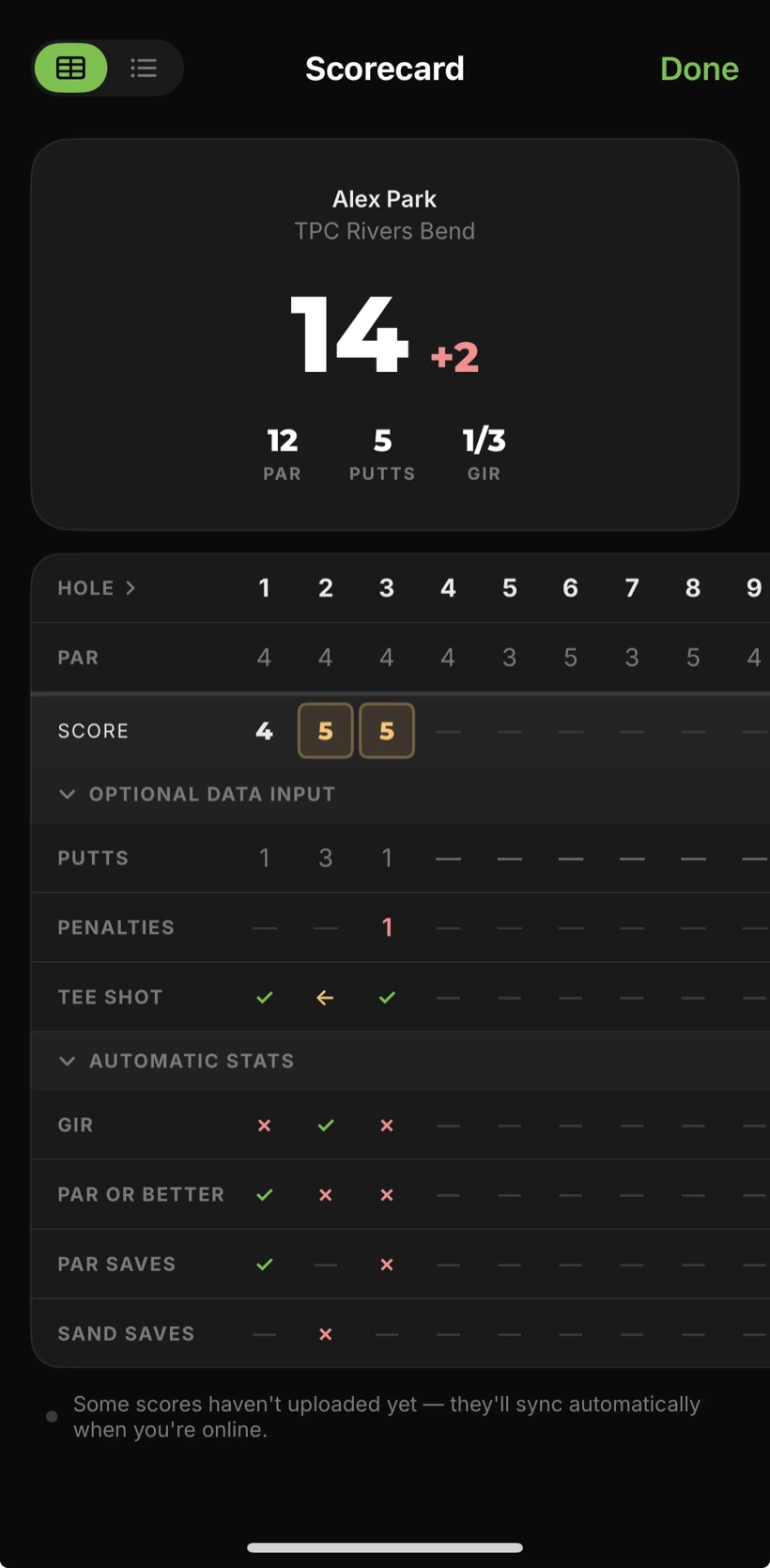
A scorecard is a grid, and the app reads it as one: the hole numbers across the top, the par row, the tee yardages, and the row of scores you wrote by hand, with putts if you kept them. It reads the course and nine printed on the card, so a round at a 27-hole facility lands on the right nine. Then it turns the row into a round: score, to par, putts, and the hole-by-hole scorecard you would have typed.
When do you snap it?
Two places. Playing with Just Play, the app tracks in the background and asks for the card when you finish, so the phone stays in the bag until the eighteenth green. Or use Add Score in the menu for a round you already played: last weekend's card, the league card in your glovebox, the trip round nobody entered. Take the photo and the round is in.
What happens after the read?
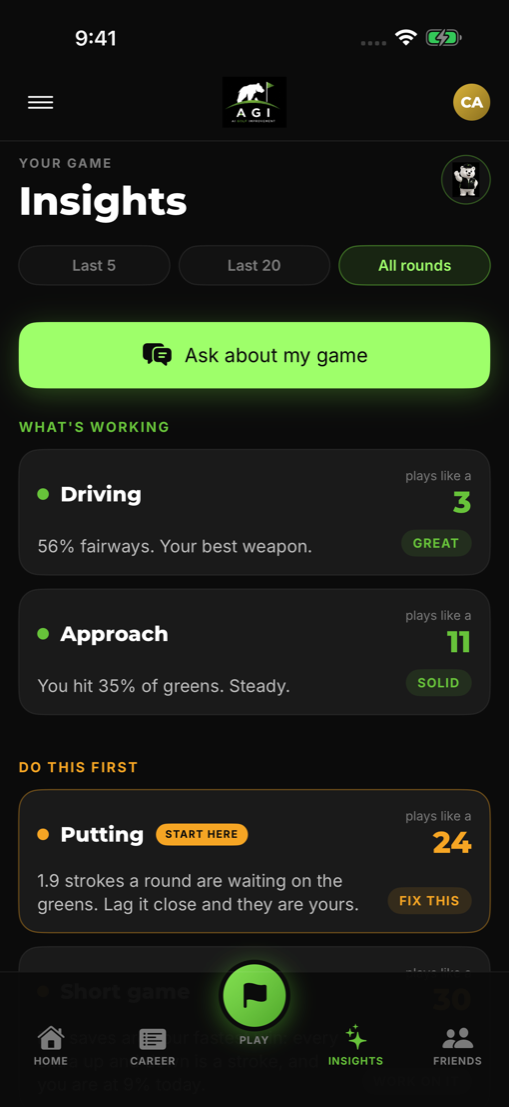
The round joins your career like any other: handicap trend, personal records, and the Insights screen that says what is working and what to fix first. A card from a round you played six weeks ago counts the same as one you scored live.
Does it help on a trip?
Yes. In Trip Mode the organizer can snap the group's card to fill in or fix every score in a match, so the board is settled from the paper everyone signed instead of a group chat.
What does it need from you?
A legible card and one photo of the whole thing. If a digit reads wrong you fix the hole, or read the card again with the course set. The photo stays with the round, so a re-read never means a re-take.
Questions golfers ask
Does it read handwriting?
Yes. The card is read the way you filled it in: the printed hole numbers and par row, and your handwritten scores and putts. Get the whole card in the frame in decent light; a slightly rotated or sideways photo is fine.
Does it work for 9-hole cards and folded cards?
Yes. A 9-hole card becomes a 9-hole round. A folded card that continues on a second page for holes 10 to 18 is read across both pages.
Do I have to play the round in the app first?
No. Add Score in the menu takes a photo of a card from any round you have already played and builds the round from it. During a round, Just Play tracks in the background and asks for the card at the end.
What if a number reads wrong?
The photo is kept. Set the course with the course chip if it was wrong and read the card again, or change any hole on the scorecard. Nothing is locked in until you post the round.
Is it on Android?
Yes. AGI Golf on Google Play reads the card the same way, and a round from a card counts toward your handicap and stats on either platform.
What does it cost?
AGI Golf starts with a 7-day free trial, then an AGI Plus subscription. Prices are shown in the app before you subscribe.
Keep reading
- Shot tracking on the Apple Watch: the card sets the score
- Automatic shot tracking with no sensors
- Guide: where you actually lose strokes
- Free tool: score differential calculator
Snap the card. AGI Golf reads every hole and posts the round.