Apple Watch Golf Shot Tracker: Track Every Shot Hands Free
AGI Golf turns your Apple Watch into an automatic shot tracker. Wear the watch, play your round with the phone in your pocket, and every swing is detected from your wrist. Snap your paper scorecard at the end and every hole gets a shot map.
How does shot tracking on the Apple Watch work?
Start the round on your watch and put the phone away. The watch reads the motion of a golf swing on your wrist and pairs it with where you are standing, so each shot lands as a dot on the hole. There are no taps to make, no tags to screw into your grips, and nothing to charge besides the watch you already wear.
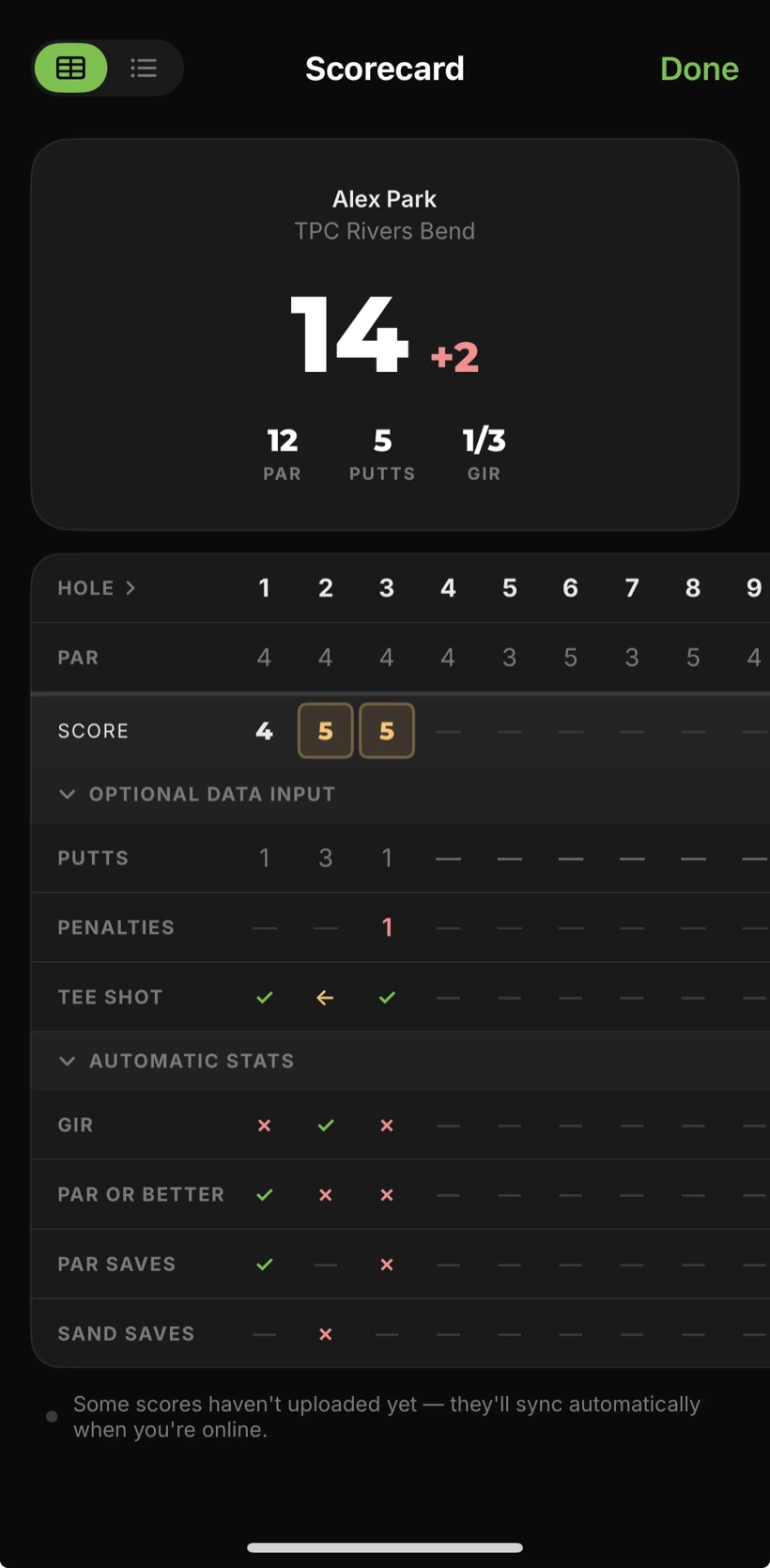
When the round ends, you take one photo of the paper scorecard. AGI Golf reads the card, matches the score to the shots the watch saw, and builds the round: the score, the putts, and a shot-by-shot map of every hole.
What do you see after the round?
Every hole shows where the ball landed, shot by shot. From those dots and the card the app works out fairways hit, greens in regulation, putts, and how far you actually hit each club.
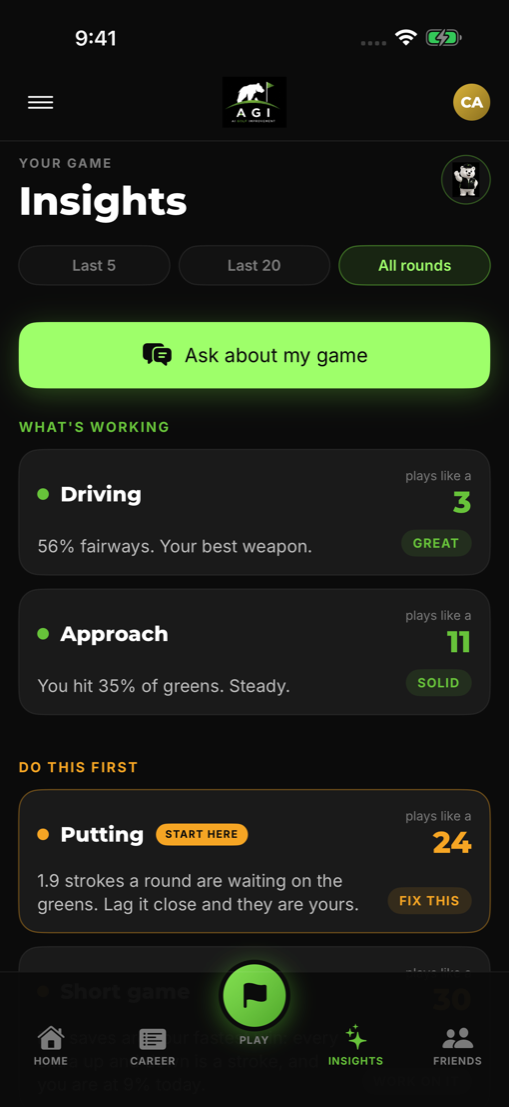
The round then joins your career: a handicap trend, personal records, and the Insights screen that says where the strokes are leaking. That last part matters more than the map. Knowing you three-putted twice is data; knowing putting costs you two strokes a round and driving is your best weapon is a plan.
What does it need from you?
Three things. Wear the watch. Start the round before your first tee shot. Snap the scorecard when you are done. The watch needs the Health workout permission, which the app asks for once, because a round is recorded as a workout so tracking stays alive for the whole round.
The honest part: the first rounds are the roughest. A practice swing can register, a soft chip can be missed. Fixing a shot takes a tap, and the detection sharpens as it learns your swing over more rounds. What never breaks is the score, because the scorecard photo owns it.
Questions golfers ask
Which Apple Watch works for shot tracking?
Any Apple Watch on watchOS 10 or later, paired with an iPhone on iOS 17 or later. The watch does the detecting during the round; the phone holds the round, the maps, and the stats.
Does it work on Android and Wear OS?
Yes. AGI Golf is on Google Play, and the Wear OS app detects shots the same way, paired with the Android phone app.
Do I need sensors on my clubs?
No. Nothing attaches to your clubs or your grips. The watch on your wrist is the only hardware.
What happens if it misses a shot or counts one twice?
Your scorecard photo is the source of truth for the score, so a missed swing never changes your number. The shot map is fixed shot by shot after the round, and it gets sharper the more rounds you play.
Does it work with just the phone?
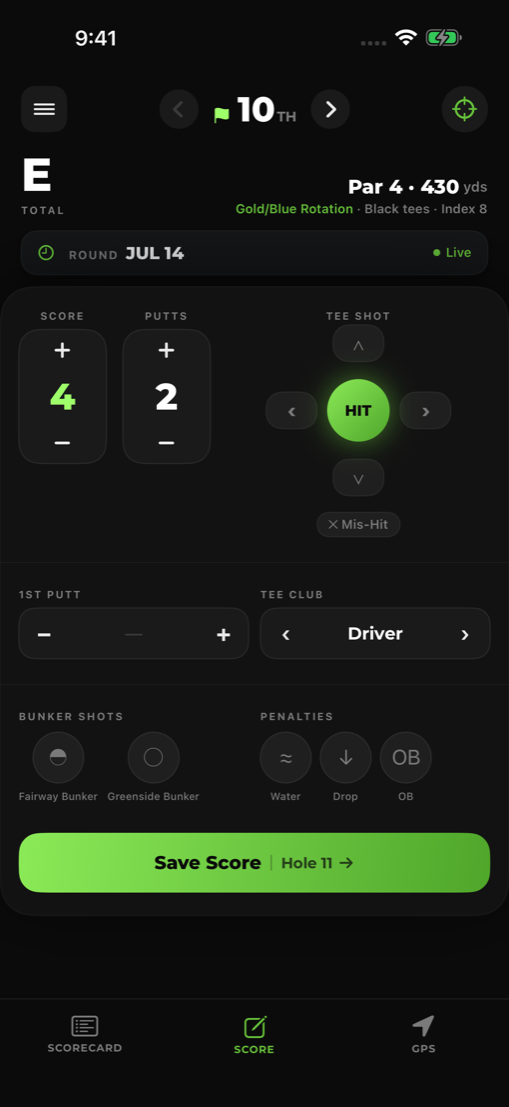
Without the watch you still get the round: hole-by-hole scoring, GPS distances, and the scorecard photo. The automatic shot map needs the watch.
Is AGI Golf free?
AGI Golf starts with a 7-day free trial, then an AGI Plus subscription. Prices are shown in the app before you subscribe.
Keep reading
- Automatic golf shot tracking with no sensors
- Golf GPS on the Apple Watch
- Guide: how to track golf shots without sensors
- Guide: where you actually lose strokes
Wear the watch, play the round, snap the card. AGI Golf does the rest.